How to create native-style social text overlays
The text tools built into Instagram, TikTok, and other social apps are instantly recognizable, easy to read, and made for video. Inside the app, easy. The second you need that look somewhere else, weirdly annoying. Social Text Builder lets you create the same kind of line-aware treatment in your browser (rounded corners and all), then export it as a transparent overlay for the editor or platform you already use.
Build a social text overlay01
Build the native-style treatment
Social Text Builder wraps each line in its own fitted text box, creating the connected, rounded treatment people recognize from social apps (sometimes referred to as ‘metaball’ or ‘gooey’ corners). One giant rectangle is technically a solution. Just not a very convincing one.
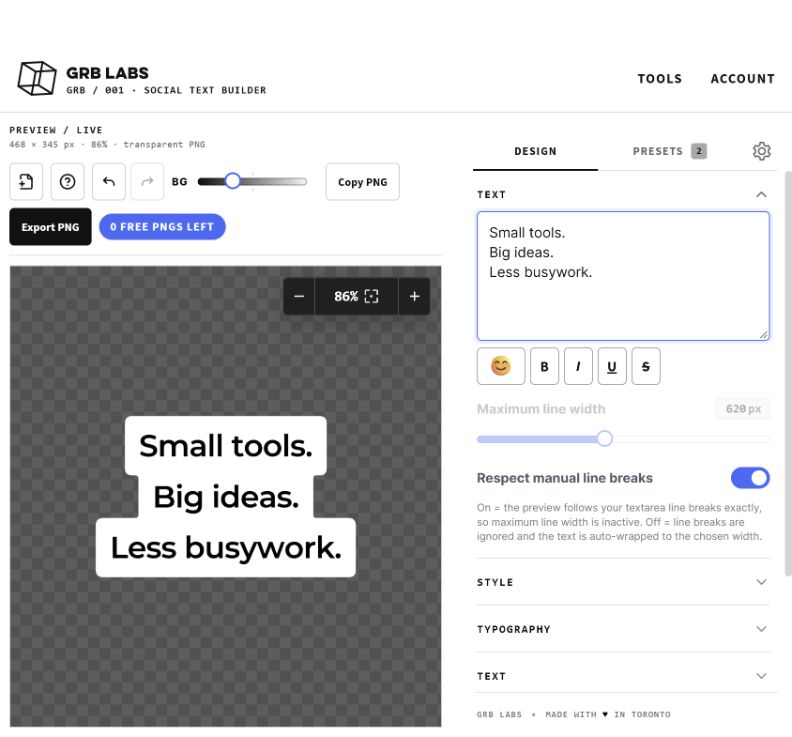
- Enter the text you want on screen.
- Set the width and line breaks for a quick mobile read.
- Choose the type, text colour, and box colour.
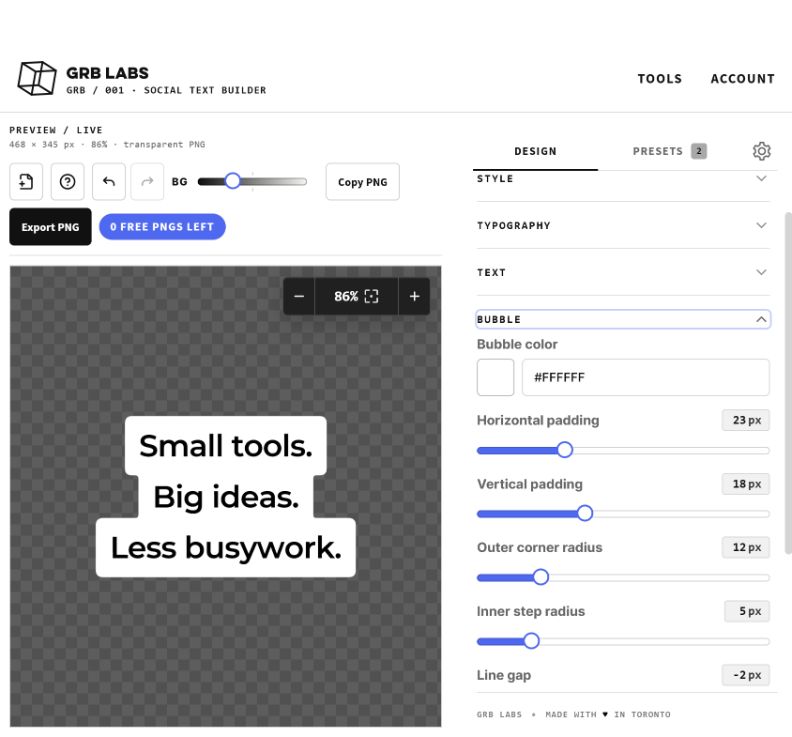
- Adjust the padding and shape until the boxes follow the words naturally.
- Export the complete overlay as a transparent PNG.
 — open full-size screenshot in a new tab
02
What makes social text feel native
The effect comes from more than rounded corners. Native-style text uses compact padding, strong contrast, deliberate line breaks, and boxes that respond to the length of each line. Keep the copy short and let the silhouette change with the words. The overlay should feel like it belongs in the app, not like it wandered in from PowerPoint.
 — open full-size screenshot in a new tab
03
Place it where people can actually read it
Preview the overlay against the real image or footage whenever possible. Keep it clear of faces, captions, usernames, and the approximately nine thousand controls social apps place around your video. Short lines and a compact overall shape are easier to position across vertical video, thumbnails, and social graphics.
04
Export once and keep it editable
The transparent PNG can be placed over footage or artwork in the editor you already use. A PNG exported by Social Text Builder also carries the project data needed to restore the layout when you re-import it into the tool. Tiny bit of sorcery. Very useful. It remains an ordinary image in other applications and does not become native Photoshop or video-editor text layers.